You are visiting a website for another country. Some products may not be available or valid in your location. Switch to your local store for the best experience.

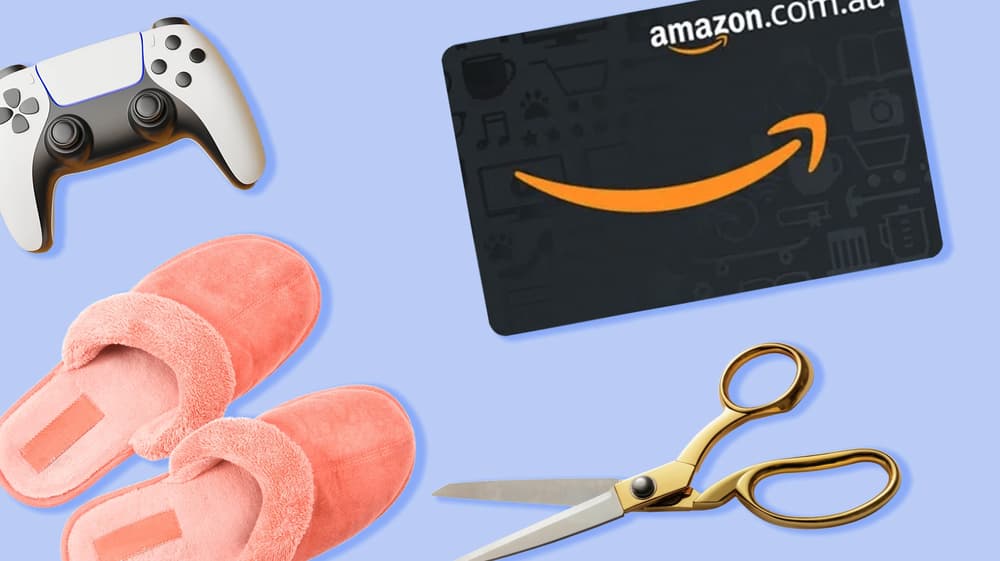
How to use the Amazon Gift Card
March 16, 2026
The Amazon Gift Card gives the recipient access to millions of products on Amazon.ca, from electronics and books to clothing, home décor, and so much more. It's one of the most flexible gifts you can give or receive, and once you know how to use it, you’ll be opening the door to a marketplace millions of Canadians use every day. If you’ve never used an Amazon Gift Card previously, don’t worry! Redeeming one is a simple process. By the time you’re done reading, you’ll know:
- How to use an Amazon.ca gift card
- What you need to do before you redeem your Amazon gift card
- What you can and can’t purchase with your card
Looking to buy one today? Simply visit our Amazon Gift Card page and get your digital code in seconds.
How to use the Amazon Gift Card
Once you’ve purchased or received an Amazon Gift Card, you can use it directly on the official Amazon Canada website at amazon.ca. However, before the value shows up in your account, you'll need to redeem the code. Here's how to do it:
- Go to amazon.ca and sign in to your account. If you don't have one, you'll need to create it first.
- Go to "Account & Lists" and click on "Your Account."
- Select "Gift cards" and click on "Redeem a gift card."
- Enter the claim code. This is the alphanumeric code you'll find in your confirmation email or printed on the card.
- Click "Apply to your balance."
The value will be added to your Amazon account immediately. Then, the next time you make a purchase, the gift card balance will automatically be applied at checkout.
What do I need to use the Amazon Gift Card?
Before you redeem your Amazon Gift Card, there are a couple of things worth having ready. Make sure you have:
Your claim code. This is the unique code sent to your email after your digital gift card purchase or printed on the physical gift card.
An Amazon.ca account. You must have an Amazon account and be signed in to add the gift card balance. Creating an account is free and only takes a few minutes.
An internet-connected device. You’ll need to be online to access Amazon.ca. Have your smartphone, tablet, or computer ready to redeem your gift card.
Once you have your claim code, are online, and logged into your account, you’re ready to start shopping!
What can my Amazon Gift Card buy?
An Amazon Gift Card can be used to redeem a wide assortment of products available on Amazon.ca. Popular categories include:
- Electronics like wireless headphones and smart home devices
- Books, toys and games
- Kitchen appliances and home decor
- Fitness gear and sports equipment
- Beauty products and self-care essentials
- Fashion and accessories for the whole family
It's worth knowing that the Amazon Gift Card cannot be used to pay for subscription services. This means it cannot be used to pay for Amazon Prime Video, Amazon Music Unlimited, or other Amazon subscription plans. For those services, a separate payment method will be needed. For any regular product purchase on Amazon.ca, however, the gift card works seamlessly.
When you’re ready to buy or gift an Amazon Gift Card, visit our Amazon page, or explore other gift card options, including our All-In-One Gift Card, which can be redeemed for Amazon and a variety of other gift cards, allowing the recipient to mix and match across multiple vendors.
How can I check my Tim Hortons Gift Card balance?
In this blog, we’ll explain how you can check your Tim Hortons gift card balance in a few different ways.
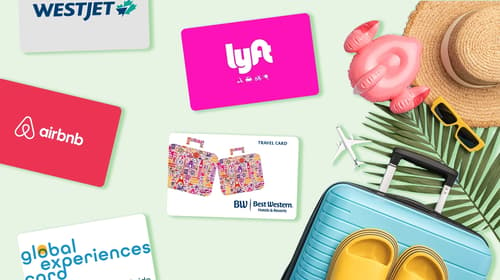
The best gift cards for travellers
These carefully selected travel vouchers represent the most versatile and appreciated options for Canadian travellers.
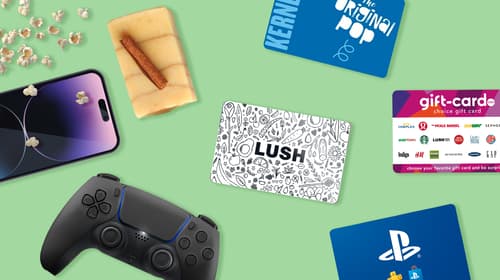
The best gift cards for teenagers
Here are some gift card ideas teens love! These choices represent the most popular options for Canadian teenagers.
See all blogs