You are visiting a website for another country. Some products may not be available or valid in your location. Switch to your local store for the best experience.

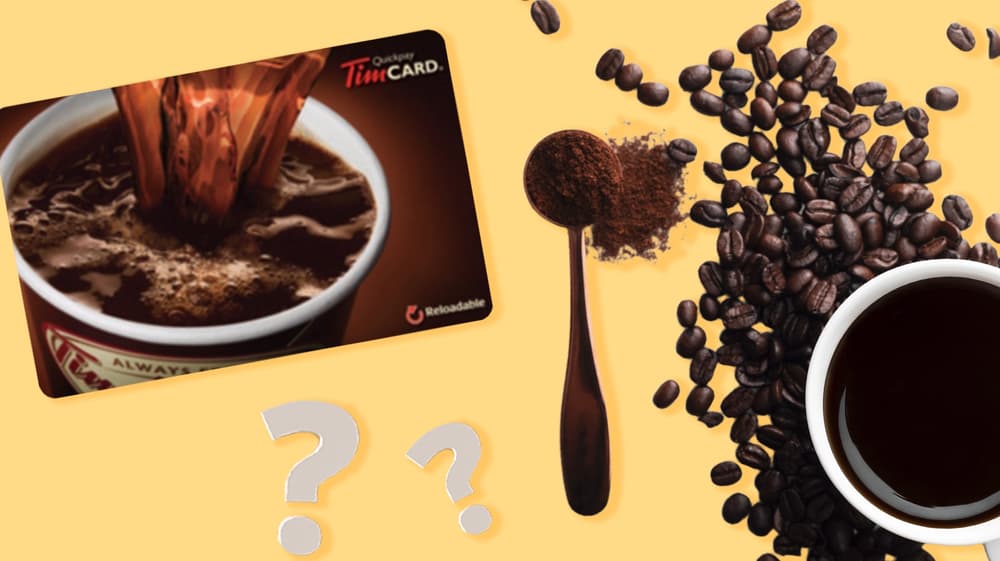
How can I check my Tim Hortons Gift Card balance?
March 16, 2026
The Tim Hortons Gift Card is one of Canada's most popular gift cards, and for good reason. It can be used at Tim Hortons locations across the country to pay for coffee, tea, breakfast sandwiches, soups, and all of the other menu items that Canadians love. Whether you are surprising a friend, thanking a colleague, or celebrating a special occasion, sending a Tim Hortons eGift card is a great way to show someone you care.
If you have received one, it’s important to check the Tim Hortons gift card balance before redemption. Knowing your gift card balance in Canada helps you avoid surprises at the register so you can plan your next visit with confidence.
So before you order that double-double, we’ll explain how you can check your Tim Hortons gift card balance in a few different ways.
Where can you check the Tim Hortons Gift Card balance?
There are two ways to check the balance on your Tim Hortons Gift Card. The first option is online, through the official Tim Hortons website, which is convenient if you're at home or have your phone nearby. The second option is to visit any official Tim Hortons location in Canada and ask a team member to check it for you in-store.
Both methods are simple and only take a moment, so you can choose whichever is more convenient for you at the time.
How to check the Tim Hortons Gift Card balance online
You can easily check your Tim Hortons Gift Card balance online via the Tim Hortons website. This is the fastest option if you are at home or on the go with your phone. Follow these simple steps:
- Visit www.timhortons.ca.
- Go to the "Gift Cards" section in the main menu or footer.
- Click on “check your gift card balance.”
- Enter your gift card number and the PIN.
- Click "Check Balance," to view your remaining balanceinstantly.
Make sure you have your card details on hand before you start, as you'll need both the card number and the PIN to complete the process.
Checking the Tim Hortons Gift Card balance in stores
If you'd prefer to check your balance in person, any Tim Hortons location in Canada will be able to help. Here's what to do:
- Visit your nearest Tim Hortons restaurant.
- At the counter and let a team member know you'd like to check the gift card balance.
- They will scan it at the till.
- Once scanned, they will be able to share how much credit is remaining on the card.
This is a great option if you're already heading to Tim Hortons and want to know your balance before you order.
What is needed in order to check your Tim Hortons Gift Card balance?
Before you check your balance, it helps to have a few things ready. Here's what you'll need:
Your Tim Hortons Gift Card. The card number is printed on the front of the card and is used to identify your account.
Your PIN. This is a security code found on the back of the card, usually hidden under a scratch panel. You'll need to scratch it off to reveal the number.
An internet connection (when checking online). Access to the Tim Hortons website on a phone, tablet, or computer will also be needed for the online method.
If you're checking in store, you only need to bring the physical card with you and a team member will handle the rest. Remember: Tim Hortons gift cards are a convenient way to show you care! Perfect for any occasion, or “just because,” sending a gift card is quick and easy, and at gift-card.com, we make sure the entire purchasing and delivery process is fast and secure.

The best gift cards for travellers
These carefully selected travel vouchers represent the most versatile and appreciated options for Canadian travellers.

The best gift cards for teenagers
Here are some gift card ideas teens love! These choices represent the most popular options for Canadian teenagers.

Show your appreciation with the best gift cards for teachers
From classroom resources to personal treats, these choices ensure every teacher finds something meaningful.
See all blogs