You are visiting a website for another country. Some products may not be available or valid in your location. Switch to your local store for the best experience.

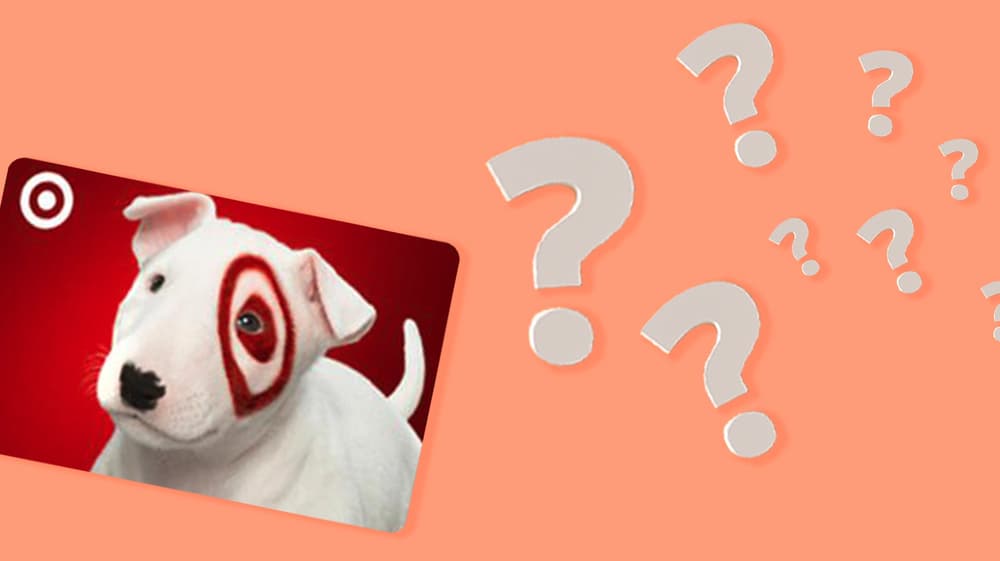
How can I check my Target Gift Card balance?
March 17, 2026
The Target Gift Card is a very popular gift card in the United States, usable for purchases in different categories such as groceries, apparel, gadgets, home furnishings, and makeup, either at Target.com or in any Target store nationwide. It is a flexible gift that can be given to almost anyone. Checking your balance before using your card is a smart move so you can manage your funds properly. In this article, we’ll discuss where and how to check your Target Gift Card balance, both online and in stores, and what you will need to do so.
Where can I check the balance of my Target Gift Card?
Two options exist for checking your Target Gift Card balance: through the official Target website, or in person at any Target store in the US.
How to check the Target Gift Card balance online
Checking the Target Gift Card balance online is quick and easy. Do it anytime and from any device without even leaving your house. Here are the steps:
- Head to the official Target website at target.com.
- Jump down to the page footer, and click on "Gift Cards," or go directly to target.com/gift-cards.
- On the gift card page, find the option to check your balance. A field for card number entry will be provided.
- Use the card number and PIN provided to you in your purchase email from Wow Gift Cards.
- Hit the "Check Balance" button and you can view your remaining credit. Your balance will appear on your screen immediately. At this stage, you can make use of this information with confidence as you shop.
How you can check your Target Gift Card balance in stores
In case you want to see your balance physically, you can check it at any Target store in the US. Here's how to do it:
- Look for the nearest Target store and visit it.
- Go to the customer service desk or checkout area.
- Request a store associate to verify the balance on your gift card, or use one of the self-service checkout terminals if they are accessible.
- Present the gift card number from your Wow Gift Cards email.
- The balance will pop up on the screen or be read by the associate. This option is great for saving time as you can check your balance before you start filling your cart.
What do you need in order to check the Target Gift Card balance?
You need to prepare a few items before you can check your Target Gift Card balance.
Your Gift Card. This is the prime requisite. It is of utmost importance to ensure that you have it with you before you commence the balance check.
The card number. Usually, this is a 15-digit number that is printed on the back of the card. You will require this to perform the online check.
The PIN. This is a short code that can also be found on the back of the card, which is usually hidden under a scratch-off surface. This code is important for online balance checks and is sometimes required in-store too.
An internet connection (for online checks). If you want to check your balance on the Target website, you will have to access the browser on your phone, tablet, or computer. If you currently do not have internet access, you can simply visit a Target store and ask the customer service desk. If you are looking to buy a Target Gift Card, you can find it at Wow Gift Card.

The best gift cards for teens to give
We present to you, our curated list of popular gift card options for teens that will actually get them excited.

The best gift cards for couples
Whether that’s going out for a romantic dinner, planning a weekend getaway, or just spending some quality time together, gift cards eliminate the guesswork.

The best gift cards for employees to give
Whether it's everyday conveniences or meaningful experiences, we've found gift cards that will be sure to resonate with your workforce.
See all blogs