You are visiting a website for another country. Some products may not be available or valid in your location. Switch to your local store for the best experience.

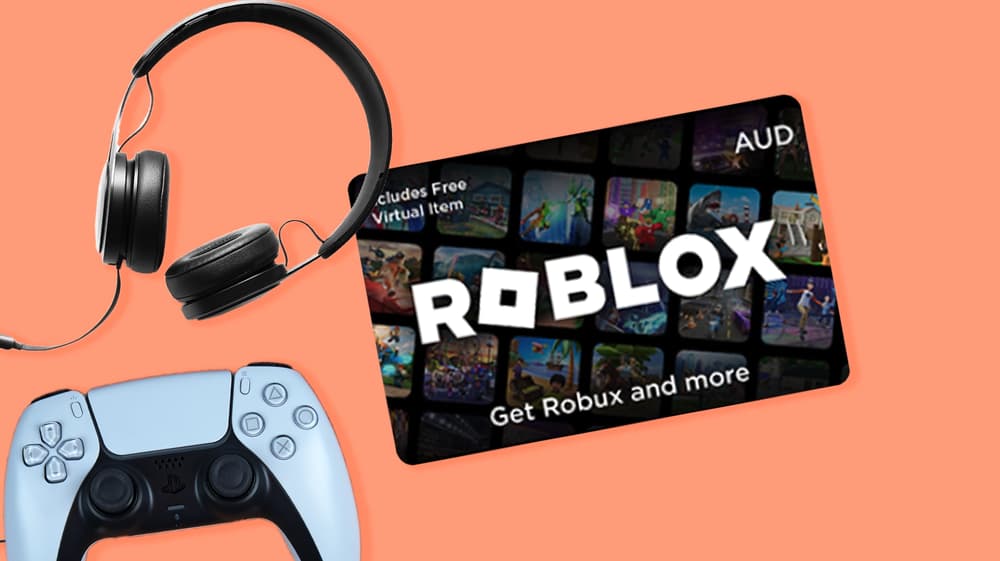
How to redeem a Roblox Gift Card
16 March 2026
The Roblox Gift Card is the perfect way to get more out of the Roblox platform. Whether it's used to top up a Robux balance for spending on avatar items and in-game content, or to activate a Roblox Premium membership for extra perks, it opens up a whole new level of play. Once you have a Roblox Gift Card in your hands, the next step is knowing exactly how and where to redeem it. This blog walks you through everything you need to know: where to redeem the card, a step-by-step guide on how to do it, what to have ready beforehand and what to expect once the card has been redeemed.
Where to redeem the Roblox Gift Card
The Roblox Gift Card can only be redeemed directly on the official Roblox website at roblox.com. There's no need to download a separate app or visit a physical store. The redemption page is accessible from any device, so whether you're on a PC, laptop, tablet or mobile phone, the process works exactly the same. All you need is an internet connection and a Roblox account to get started.
How to redeem a Roblox Gift Card
Redeeming your Roblox Gift Card is a straightforward process. Follow these steps:
- Go to roblox.com and log in to your Roblox account
- Navigate to the gift card redemption page at roblox.com/redeem
- Enter the code from your Roblox Gift Card in the designated field
- Choose whether you want to purchase Robux or upgrade to premium
- Click redeem to confirm
- Your Robux or Roblox Premium membership will be added to your account immediately
If you're redeeming on mobile, the steps are the same. Simply open your browser, head to roblox.com and follow the steps above.
What you need in order to redeem the Roblox Gift Card
Before you start, make sure you have the following ready:
Your Roblox Gift Card code. This is the unique code that came with your digital gift card. For digital cards purchased at gift-card.com, the code will be included in your confirmation email.
A Roblox account. You'll need to be logged in to redeem the card. If you don't have an account yet, you can create one for free at roblox.com before getting started.
An internet connection. Since redemption takes place entirely online, a stable connection is all you need to complete the process without any issues.
What happens after you redeem the Roblox Gift Card
What happens next depends on how the card is used. If the gift card value is applied to your Robux balance, the amount is converted into Robux and added to your account straight away. You can then spend those Robux on avatar items, in-game content, exclusive accessories and much more across the millions of games available on the platform.
If the card is used to activate a Roblox Premium membership instead, the membership kicks in immediately and you'll start enjoying the benefits right away. These include a monthly Robux allowance, access to the Roblox trading system and exclusive discounts on certain items. Either way, the Robux or membership will show up in your account within moments of redeeming the card.

How can I check my Coles Gift Card balance?
In this blog we'll explain where you can check your Coles Gift Card balance, how to do it online and in-store, and what you'll need to have ready before you start.

The best gift cards for grandparents to give
From practical everyday choices to special treats, these gift cards suit different grandparent lifestyles and interests.
The best gift cards for restaurants to give
We've selected gift cards that cover dining experiences across Australia, from local cafes to food delivery services and everything in between.
See all blogs